Big Things
🧑🏫 Better AI instructions
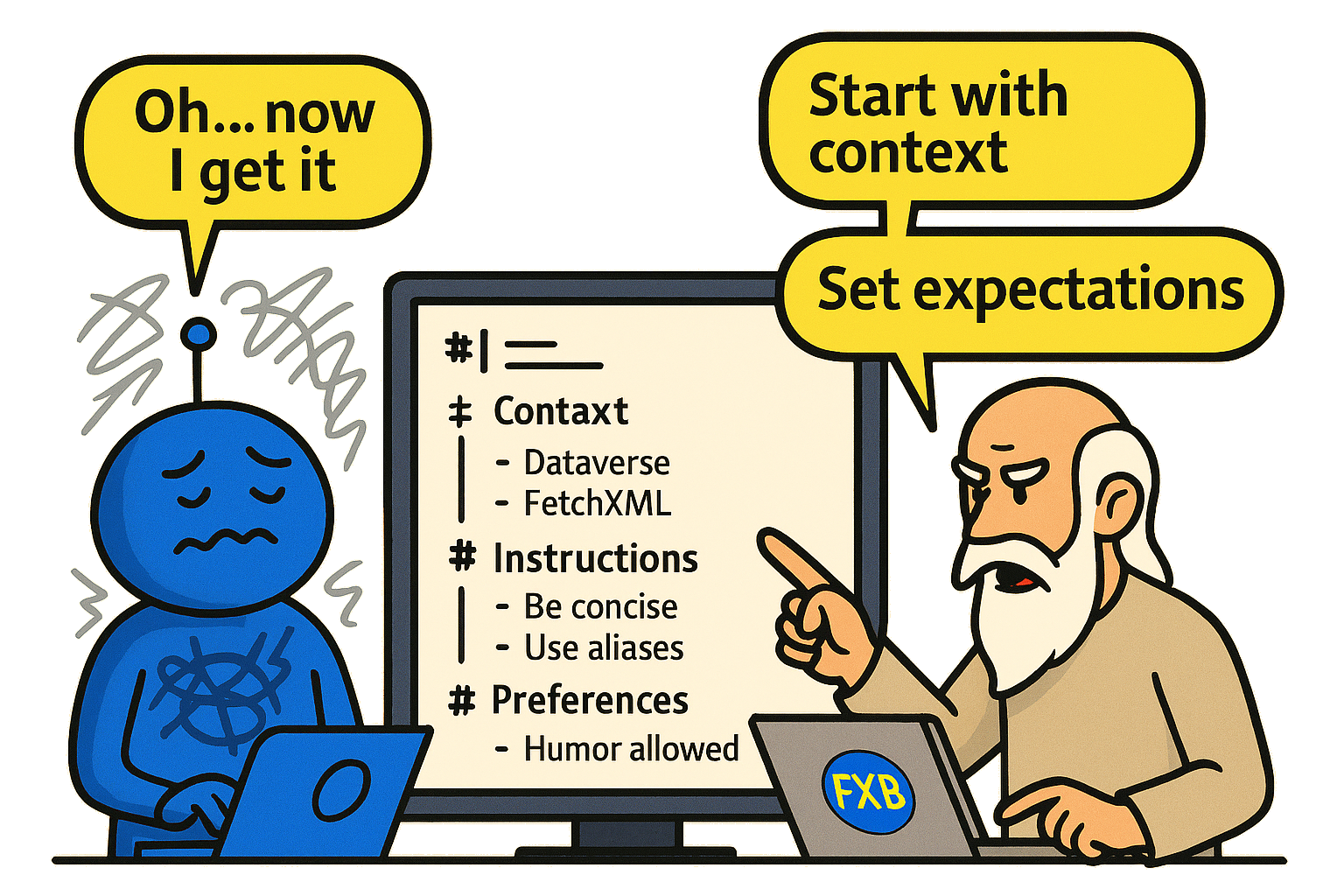
#1186: Instructions, Context and Expectations mean everything.
The AI LLM’s instructions have been greatly improved in this release. You really should read this blog post:
Context + Expectations => Better Relationship
This post explains the details of instruction, context and expectations.
You can also read the actual instructions in a nice Markdown format:
AI Chat Instructions
🫡 Custom instructions
#1163 Add ability to set custom instructions for AI requested by @adner to be able to set my own instructions. This can be used for my environment, my prefix, my query-building flavors, etc.

In this new window, we can also set Strictness: Exact, Balanced or Relaxed. In a way, this can set the degree of hallucinatory behavior the AI shall exhibit.
Improvements
⤴️ Using the ExportToExcel, a feature for anyone
ExportToExcel was improved and rewritten when I added this feature in the Plugin Trace Viewer tool. I felt that this was the time to add this feature, which is included in the control: XRMDataGridView (a table that “knows” Dataverse). This feature is now also used in FetchXML Builder.
This change will also solve these issues that have been reported:
- #1169 Error when exporting to excel, by @alexveecode
- #1176 Excel Export – Cant prevent links, by @jjkoran
- #1178 Error exporting to excel, by @cgipatrik
- #1189 Error Exporting Data to Excel, by @jjkoran
Using any AI Model
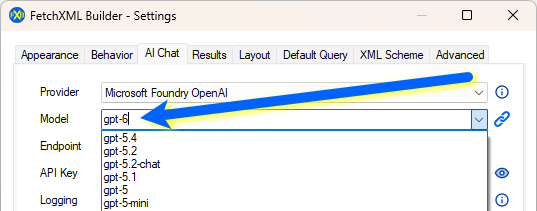
Since the AI universe evolves faster and faster, you can now set any model you want to try.
You should know a bit about what you set, so that the AI can understand you.
#1185 Possibility to add “custom” AI models
⚠️ AI Chat error handling

I realized that there are some errors that we should be able to handle in a nicer way for the user, instead of just showing the classic error message dialog.

I have now implemented it pretty well. The errors are now shown in the AI Chat, and, even more user-friendly, the error message will show all the details the user may need to resolve it.
Thanks to @Paul-CONSOS for reporting #1190 AI Chat – Anthropic Too many requests!
🪵 Logging AI Chat in Markdown format
The world is getting more and more Markdownish.
Here you can see an example of a log file, which is stored locally automatically: rappen.github.io/Tools/AI/FXB/FXB_AI_Log_Example.html
Minor
- #1181 Link-entity type matchfirstrowusingcrossapply alias issue reported by @cfharp
- #1193 Better UI in the AI Chat window.
Bugfixes
I don’t do bugs.
Contributions
The Creator and Developer is still Jonas Rapp, since 2014. See me on GitHub, Bluesky, X (Twitter), LinkedIn.